
Private Rooms: Group Quiz With Friends
Private rooms turn Quelo into a proper quiz night. Create a room, share the code, and everyone joins the same match on their own phone, with live standings as it plays out. Perfect for friends, family gatherings or the office.
How it works
- 1
Create a room
Start a private room and pick your topic in a couple of taps.
- 2
Share the code
Send the room code to anyone you want to play. No accounts to add first.
- 3
Everyone joins
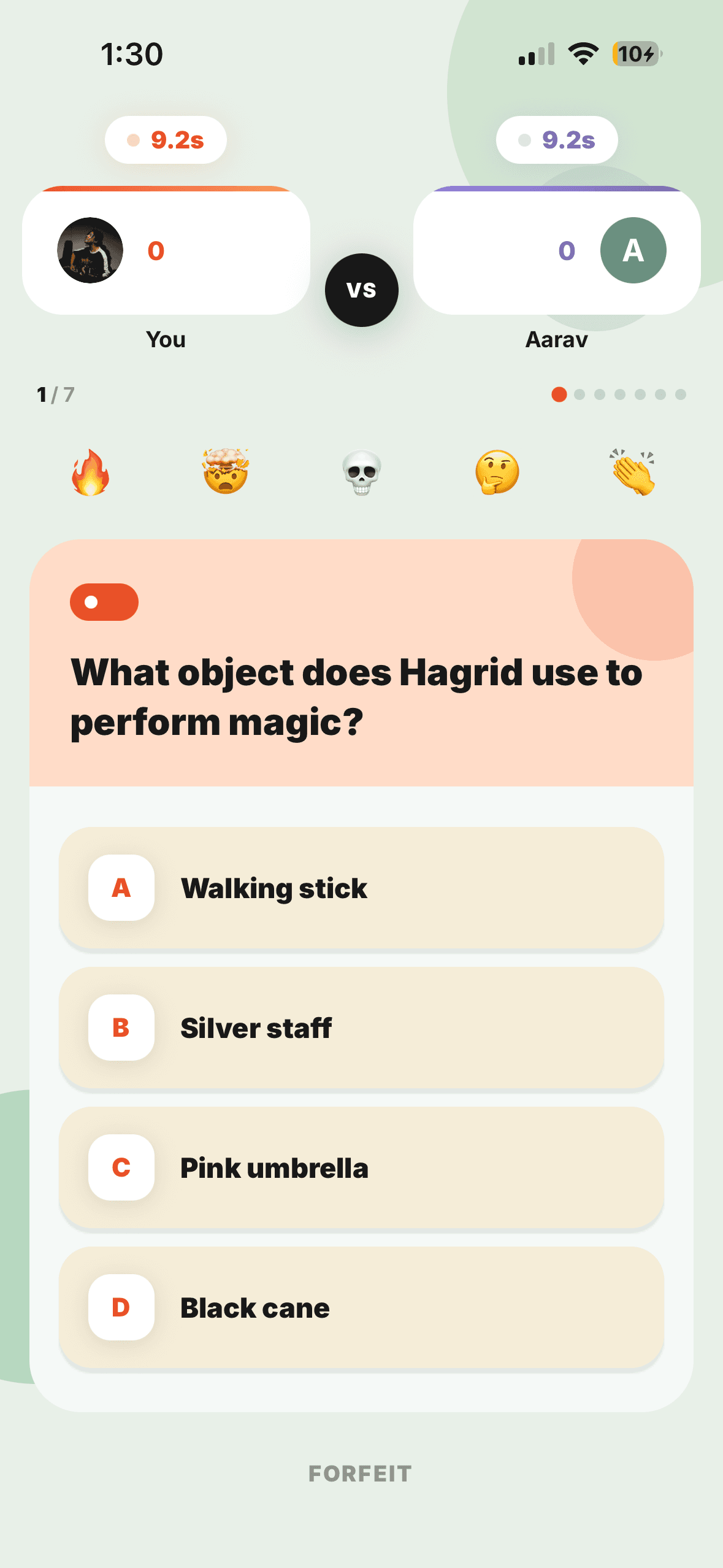
Each person joins on their own phone and answers the same questions.
- 4
Watch the standings
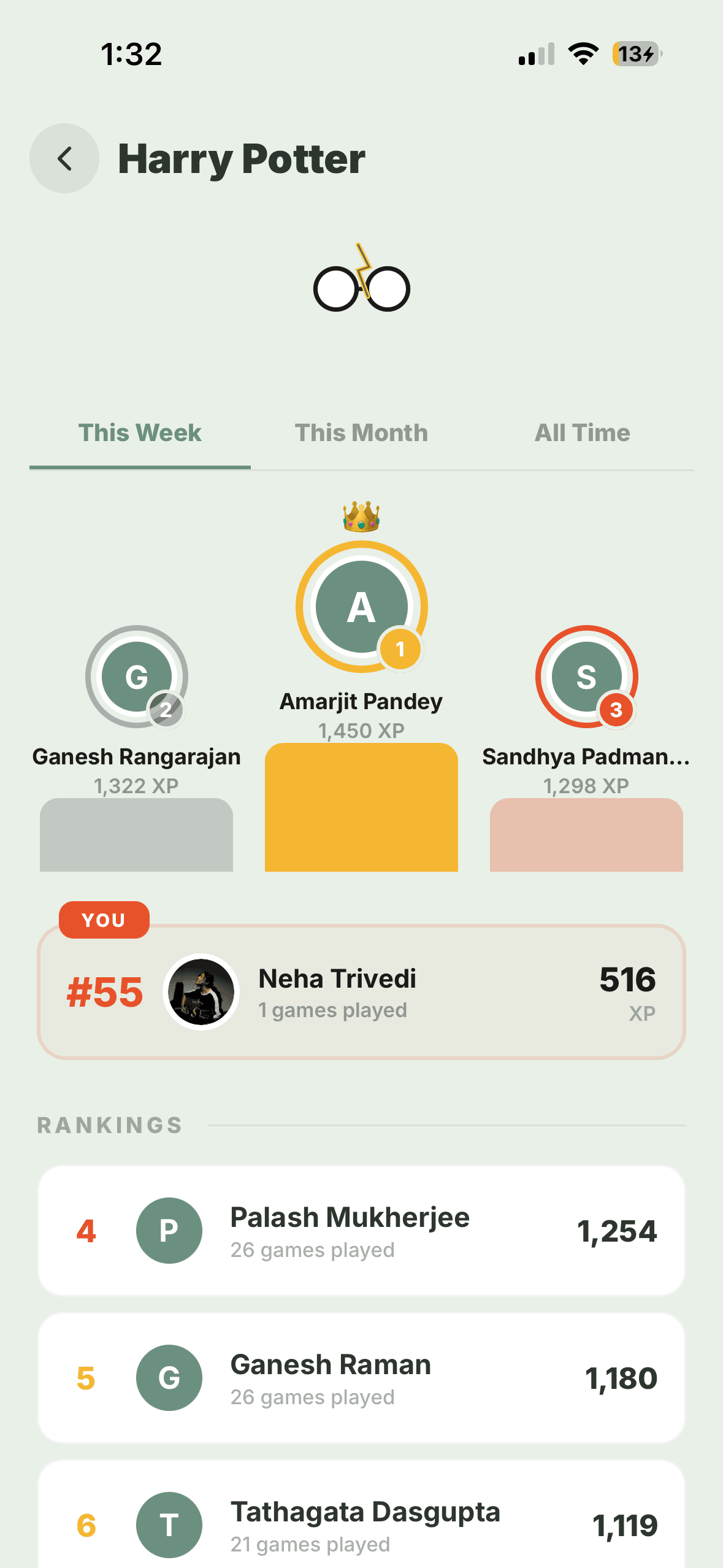
The live scoreboard updates as you go, so the whole group feels the competition.
- Live standings as the room plays
- Everyone answers the same questions
The easiest way to run a quiz night
No printing question sheets, no one person reading aloud. One person hosts a room, everyone joins with a code, and Quelo runs the whole thing (questions, timing and scoring) while the group watches the standings shift in real time. It’s a full quiz night in your pocket.
Frequently asked questions
How do private rooms work in Quelo?
You create a room, share its code, and friends join the same match on their own phones. Everyone answers the same questions and sees the live standings play out together.
How many people can join a room?
Rooms are designed for group play, so you can gather friends, family or a team into the same match using a single shared code.